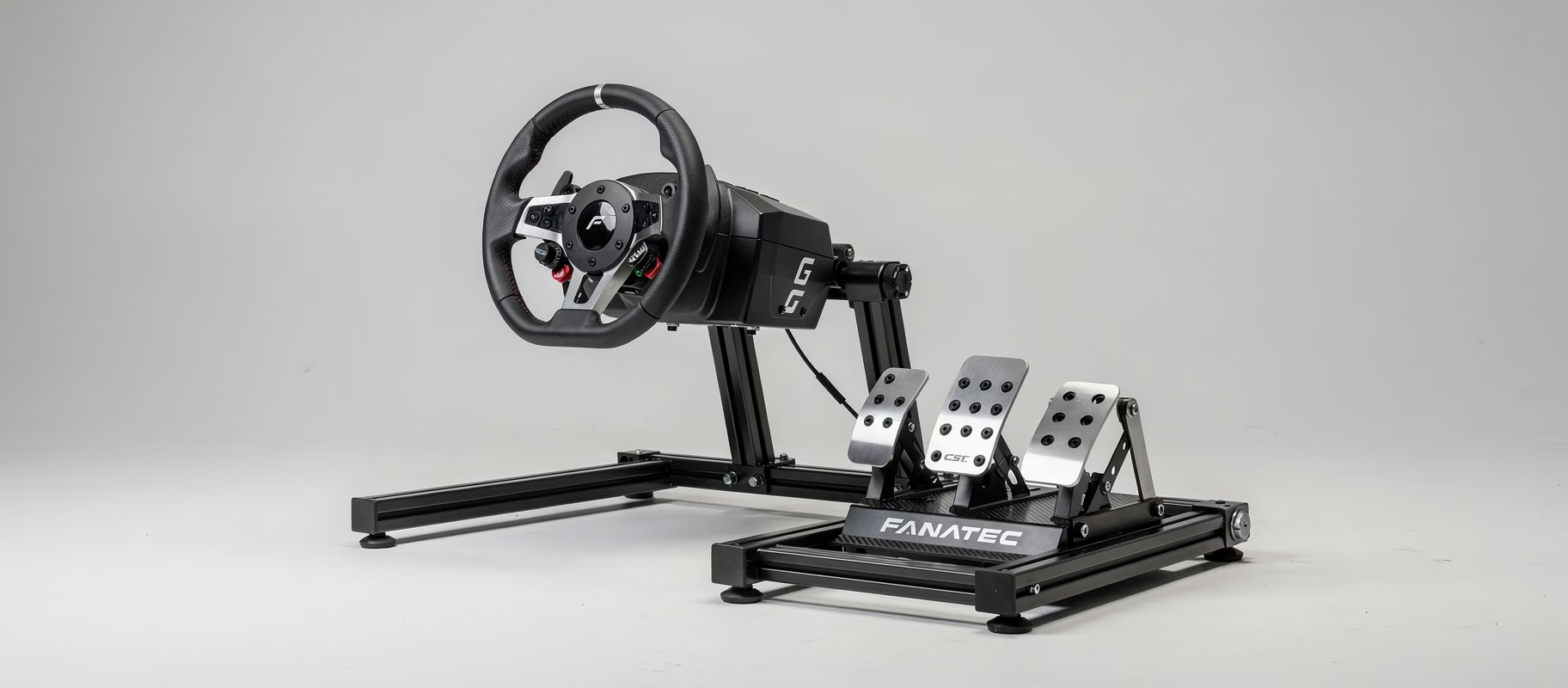
I was deep in a fight for P2 on the Nordschleife. Then I heard it. A low, metallic rattle from my wheelbase over every curb. Like a bag of bolts in a dryer. My focus shattered. My immersion drowned.
Sound familiar?
You’re not alone. The community is littered with tales of Moza hardware developing a bit too much ‘character’. Rattling bases, wobbly wheels, squeaky pedals. The good news? Half of these issues you can fix with a basic toolkit and 10 minutes. The bad news? You need to know what to tighten, and more importantly, what not to.
Let’s get our hands dirty.
That Damned Rattle: It’s (Usually) Not What You Think
Your mind jumps to the motor or the bearings. Panic. Expensive repair. Hold up.
Most of the time, that rattle or buzz comes from something much simpler: resonance. Your entire rig is a giant soundbox. If one screw, one bracket, one piece of metal has even a millimeter of play, it’ll start singing along with the force feedback. It sounds like your base is disintegrating, but it’s often a loose bolt.
Rattling Wheelbase Checklist:
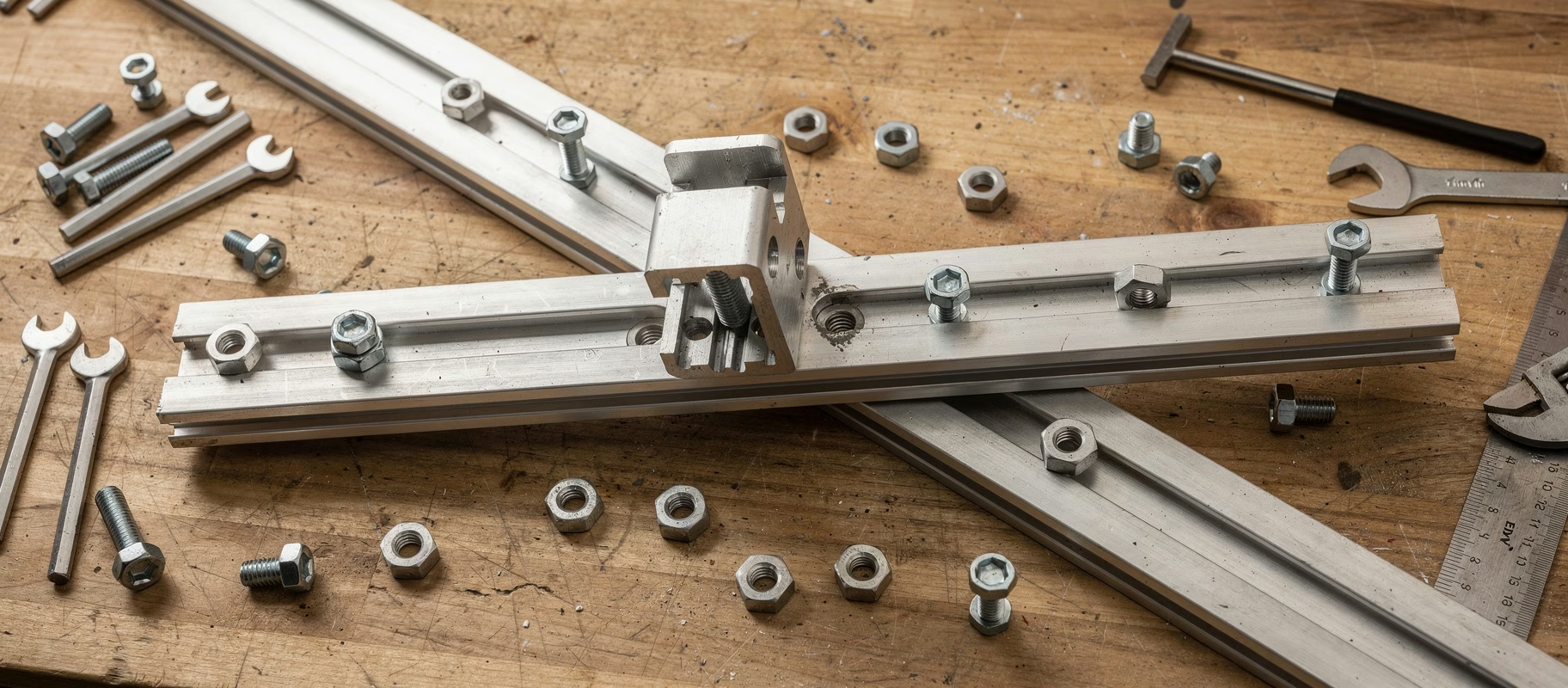
- The Obvious: Power down your rig. Grab a hex key and go over every bolt on the base’s mounting plate. Every. Single. One. Even the ones you tightened three months ago can work loose from constant vibration. Snug them up. Don’t Hercules them.
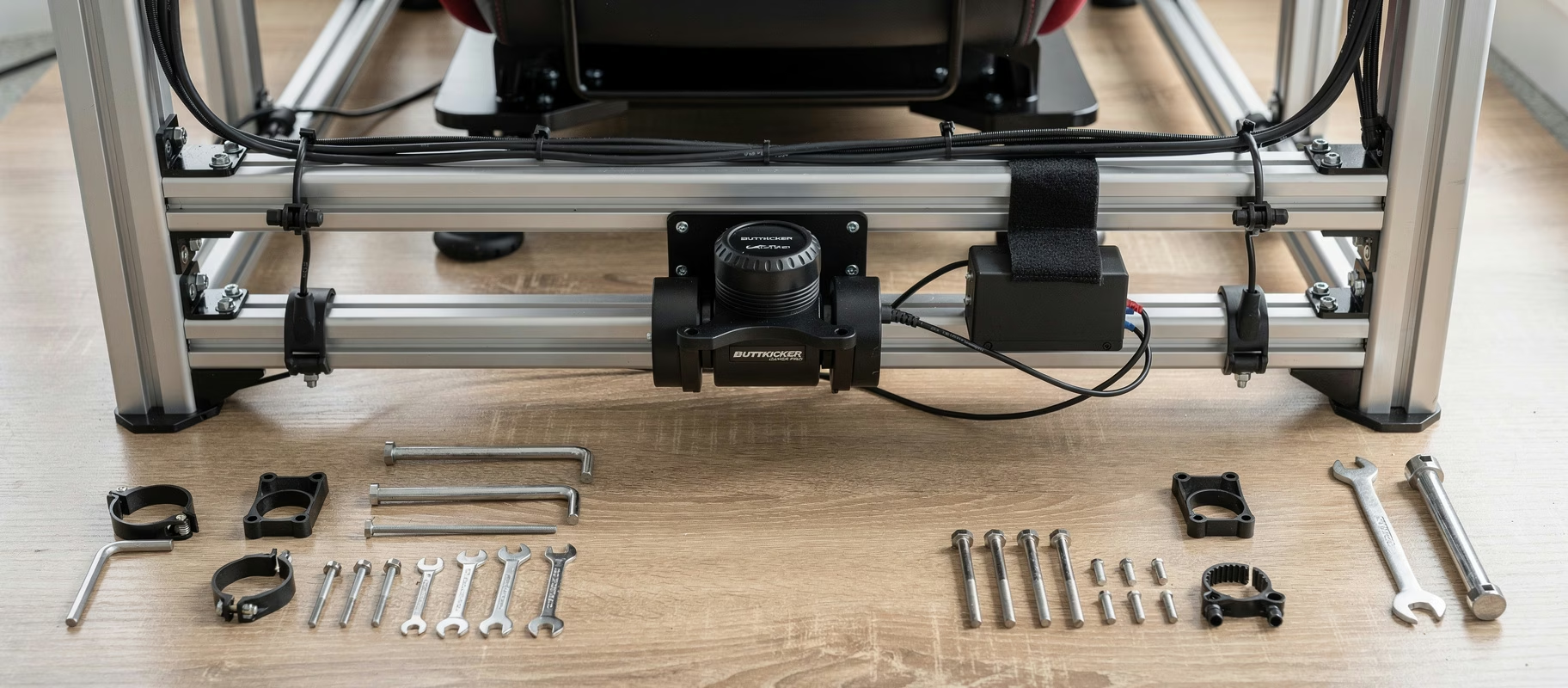
- The Unexpected: Your monitor(s). Seriously. A monitor arm or stand clamped to your rig can be the worst offender. Give it a gentle shake. Hear anything? Isolate the contact point with a bit of (adhesive) felt or rubber.
- The Wheel Itself: Take your wheel off. Fire up the base and give it some juice. Still hear the noise? If not, the problem is in the wheel or QR connection. We’ll get to that.
The moral? The rattle is rarely internal. It’s almost always something external joining the party. Check your entire setup, not just the base.
The Quick Release That’s Not So Quick or Release-y
A wobbly wheel is a death sentence for feel and consistency. It feels like driving on ice. Usually, it’s the connection between the wheel and the base.
For the Moza QR1 (the metal one): This uses a pin system. The issues here are often:
- Poor alignment during mounting: You need to get that pin perfectly into the hole on the base shaft. Don’t force it. Wiggle the wheel slightly as you push it on. It should slide in smoothly. Don’t brute-force it.
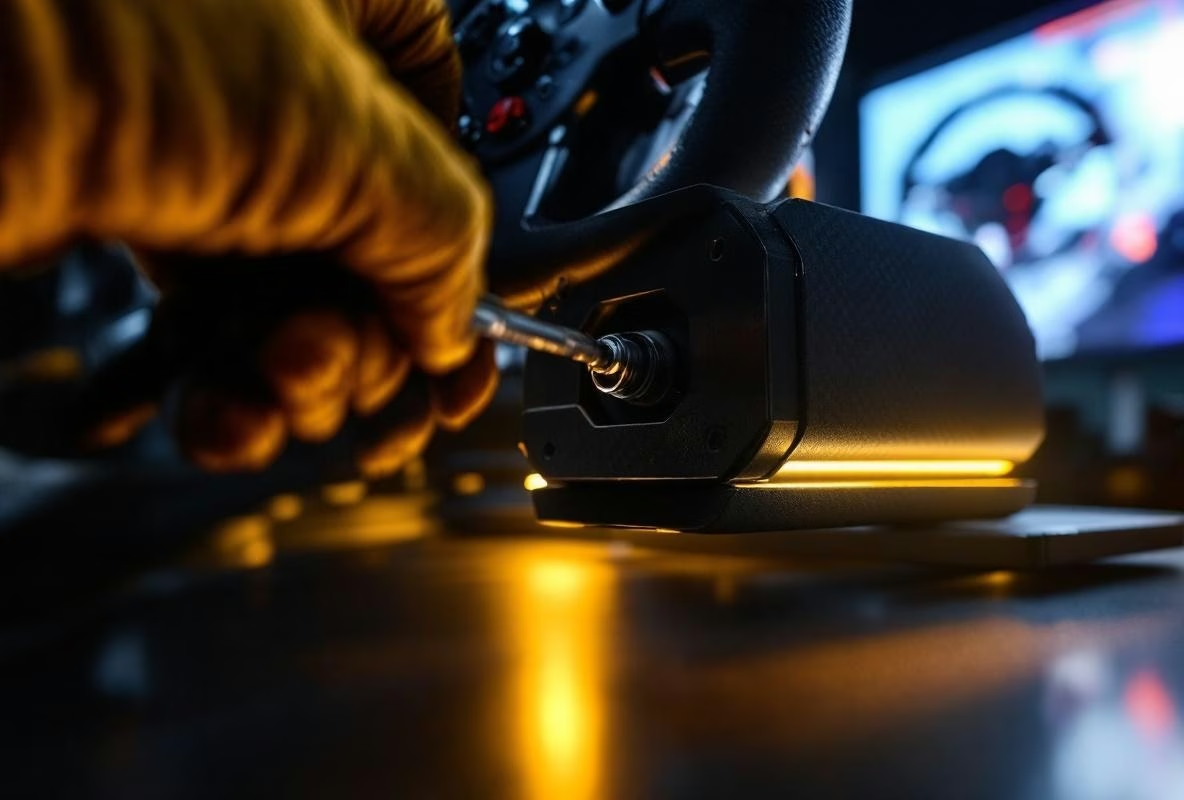
- The Locking Ring: That big ring you tighten? It needs to be tight. Hand-tight isn’t enough. Use the provided QR tool (that little metal bar) for the final turn. Don’t go Hulk, but make sure it’s seated firmly.
- Pin Wear: After months of taking it on and off, the pin or the hole can develop play. Inspect them. See obvious metal-on-metal wear? That’s your culprit.
For the Moza QR1 Lite (the plastic/carbon fiber version): Ah, the budget king. Lighter, but more sensitive.
- The Big Secret: The plastic QR has a recommended tightness setting. Yeah, really. In the Moza Pit House software, look for a setting for ‘QR Tightness’ or similar. Is it on ‘Weak’? Crank it to ‘Strong’. This increases the force the base uses to hold the pin. Game changer for wobble.
- Creaks & Cracks: A creaking or cracking sound from the plastic QR is infamous. The fix? Lube. A tiny bit of silicone spray or plastic-friendly lubricant on the moving parts of the QR (not on the electronic pins!) can work wonders. It’s not elegant, but it works.
And if your wheel really won’t come off? Don’t panic. There’s usually a small pinhole on the side of the QR. Insert a paperclip or the provided pin into that hole to mechanically release the lock. Read the manual. It’s literally in there.
Pedals Making More Noise Than Your Exhaust
Squeaks, creaks, a loud clonk on release. Pedal noise might be the most annoying, because it’s directly in sync with your input.
- Load Cell Creak: The Moza CRP pedals (and other load cells) use a flexing arm. Where metal rubs on metal or a spring sits against a housing, it can creak. The fix is again: lube. Take the pedals off your rig (set your software to 0% force first!). Look where the moving parts make contact. A tiny dab of grease (like lithium grease) or silicone spray on those points solves 90% of the creak. Don’t go overboard.
- The Loud ‘Clonk’: That often comes from the pedal arm hitting its stop with force. You can add rubber bumpers or small pieces of foam to dampen the impact. Low-tech, effective.
- Resonance (Again): Are your pedals mounted rock-solid? A pedal plate bolted to a profile can become a hollow sound chamber. Check all bolts. Consider anti-vibration rubber washers between the plate and the profile.
The bottom line: pedals are mechanical devices. Mechanical devices need maintenance. An annual ‘lube session’ keeps them quiet and smooth.
What About Support? When It’s Actually Broken?
Okay. You’ve tried everything. The rattle is inside the base. The QR has physical damage. A pedal gives no input. Time for support.
Be prepared. This is where it can get frustrating.
- Document Everything. Take a short, clear video of the problem. Show the noise, show the wobble. Pictures of serial numbers, invoices. Have this ready before you contact them.
- Be Specific in Your First Message. Don’t write: “My wheel rattles.” Write: “My Moza R9 base, serial number XYZ, makes a loud rattling noise from the left side at forces above 50%. I have checked all mounting bolts and removed the wheel; the noise persists. Here is a video.” This saves weeks of back-and-forth emails.
- Use the Right Channels. Moza has a support form on their website. That’s often better than a general email address. Be patient. Response times can vary, especially after a big product launch.
- The Community is Your Friend. Forums like r/simracing and r/moza are gold. Someone has likely had this issue and posted a solution. Search there first. Sometimes you’ll find user workarounds that Moza themselves don’t know about yet.
My (Cynical) Two Cents
A lot of these ‘issues’ are the simple result of stuff being used hard. Bolts come loose. Plastic creaks. Metal wears. It’s not always a manufacturing defect; it’s often just wear and tear.
The difference between a sim racer and a good sim racer often isn’t talent, it’s the willingness to maintain their own gear. You wouldn’t drive a real car for six months without even checking the tire pressure, right?
Treat your rig with the same respect. A monthly check of all bolts. A bit of lube for creaks. Keeping software updated.
It saves you frustration, support wait times, and (most importantly) precious track time. Grab that hex key. It’s less scary than it seems.
And if it still doesn’t work? Then you’ve earned the right to swear.