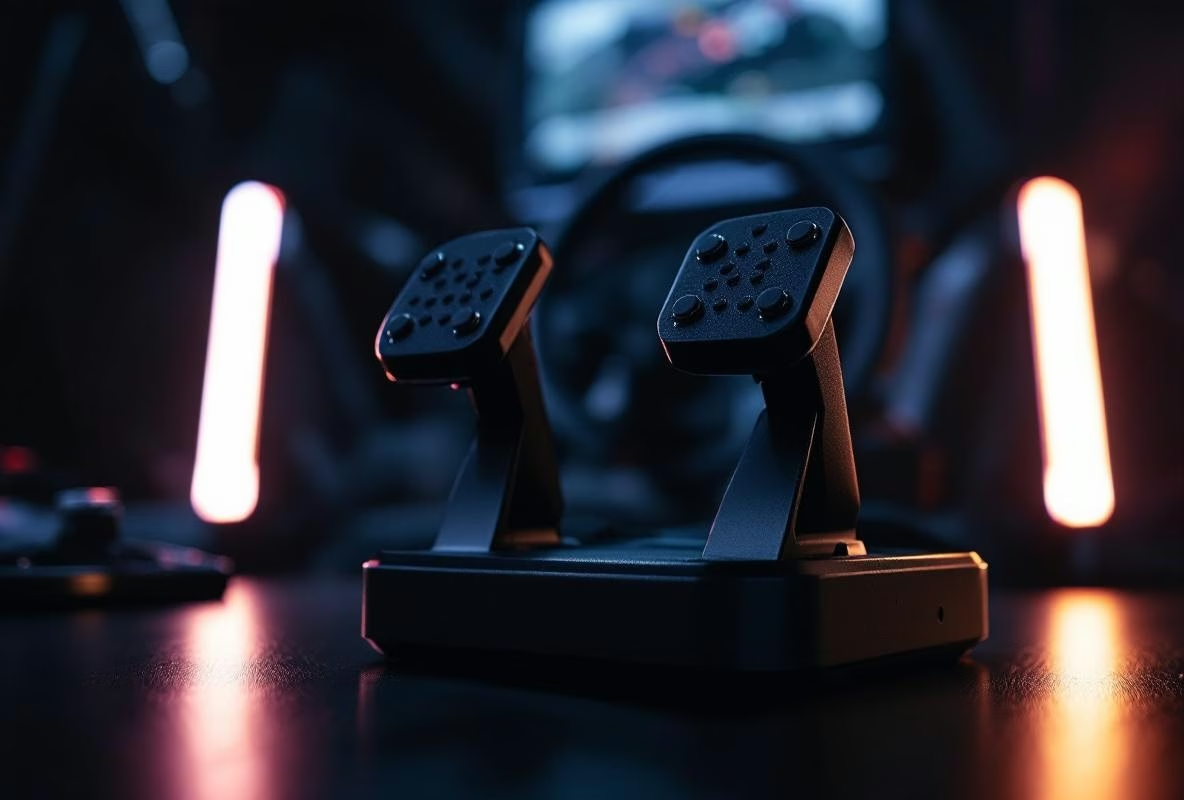
I was on the grid at Spa. Engines screaming. I planted the throttle,and felt absolutely nothing. No vibration, no resistance, no indication that 800 horsepower was waking up behind me. It felt… hollow. Like I was holding a plastic controller, not driving a race car.
That was the moment. I was done sitting still. I wanted pedals that talked back.
If you’re here, you probably get that. You’ve heard about haptic feedback on pedals. You’ve seen others have it. But the manuals? They don’t exist. It’s a wild west of misplaced vibration motors, wrong settings, and disappointed expectations.
Let’s fix that. This isn’t a gentle introduction. This is a field manual from the trenches. We’re talking about how to make those little motors actually work. How to mount them so they don’t shake loose after two laps. How to tune them so you feel ABS, not just random buzzing.
Ready to bring your pedals to life?
The Single Biggest Mistake You Can Make (And How To Avoid It)
Everyone wants to start screwing things in immediately. Wrong. The first and most devastating step is picking the wrong motor for the job.
You’ve got two main types: the small, flat ‘puck’ style (like the Dayton Audio TT25) and the larger, more powerful ‘bass shaker’ style (like a Buttkicker or a Simagic Haptic Reactor).
For pedals? Almost always go puck. Why?
Those big shakers are designed to shake an entire seat or rig. They need mass to push against. A pedal plate is too light. The result? A loud, muddy buzz that makes more noise than feeling. It feels cheap. It sounds cheap.
The small pucks are precise. They’re light, they react fast, and they can be mounted directly to the pedal or arm. They give you those sharp, immediate taps,ABS chatter, tire slip, engine vibration.
The choice is simple. Puck for fine detail. Shaker for brute force. Don’t mix them up.
Screw, Glue, or Clamp? The Mounting Showdown
Alright, you’ve got your motors. Now you need to put them somewhere. This is where most setups fail.
Option 1: Direct Mount (The ‘I-Have-A-Drill’ Method)
This is the strongest connection. You drill holes into the pedal arm or plate and screw the motor down. It’s permanent. It’s solid. It gives the best vibration transfer.
But. You’re drilling holes in your expensive pedals. Feel good about that? I don’t, always. Only do this if your pedals are thick, solid metal (think Heusinkveld, VRS) and you genuinely never want to change anything again.
Option 2: Double-Sided Tape (The ‘Hopefully-It-Sticks’ Method)
3M VHB tape. The stuff is magic. It holds up road signs. It can hold a motor in place.
Can.
The problem is heat. Those motors get warm. After an hour of racing, the adhesive can soften. Then you hear a weird noise halfway through Eau Rouge. Spoiler: it’s your motor tapping against your pedal plate.
If you use tape, clean the surface spotless with alcohol. And use a lot. Consider it a temporary solution, or for lighter motors.
Option 3: Clamps (The ‘Not-Drilling-My-Sprints’ Method)
My favorite for a lot of pedals. You buy or make a simple metal or 3D-printed clamp that fits around the pedal arm. You screw the motor to that clamp. No permanent damage. Fully adjustable.
It feels a bit like a hack. And it is. But it works damn well. Search Thingiverse for ‘pedal haptic mount’,there are dozens of designs. No printer? A local makerspace can often do it for a few bucks.
Angle Matters
Don’t just slap the motor anywhere. Think about the direction of force. The vibration needs to go through the pedal to your foot, not around the pedal into the frame.
Mount the motor as close to the pedal’s pivot point as possible, on the top side of the arm (the side your foot rests on). This is where the stiffness is greatest. The vibration travels straight to your sole.
Mount it on the bottom or the side? You lose a ton of energy. It feels weaker. Less direct.
A simple rule: where your foot touches the pedal, the motor should be directly underneath or behind it.
Powering The Beast: The Silent Drama
You’ve got one USB port left. You think: perfect, I’ll plug the audio amp in there. Wrong. Big mistake.
Those little USB amplifier boards (the PAM8403 or Lepy ones) draw power. A lot of it. If you plug two or three into one USB hub, you’re asking for trouble. They reset themselves. They produce horrible noise. They just don’t work.
You need a real, separate power source. A 5V power supply (typically 2A) is appropriate for PAM8403 amplifiers, not 12V. Get one from an electronics shop or repurpose an old router brick. Hook your amplifiers to this.
USB is only for the audio signal from your PC to the amp. Don’t mix power and signal on the same line. Trust me.
And use decent wire. Thin, brittle wires break. Use 18 or 20-gauge speaker wire. It’s flexible, tough, and conducts well.
Tuning SimHub: From Muddy Rumble To Pure Information
This is where the real work happens. Opening SimHub and just turning on a bunch of effects is a recipe for a headache. It becomes an incomprehensible mush of vibration.
You need to be surgical. Every effect needs a purpose.
Start Simple: ABS
This is the easiest and most useful effect. Go into SimHub, to your pedal shaker, and find ‘ABS’. Set it to activate above a certain brake pressure (say, 80%).
Now the important bits:
- Frequency: Don’t set this to one fixed tone. Use a Frequency Shift. Have it jump between, say, 80 Hz and 120 Hz. This gives that characteristic ‘chattering’ feel. A monotone buzz feels fake.
- Intensity: Start low. 20%. Drive a lap. Can you feel it? Bump it up until it’s clear, but not overwhelming. It should be information, not an earthquake.
- Duration & Fade: Set ‘Duration’ to ‘While Active’. Turn ‘Fade in/out’ on, very short (50ms). This prevents harsh, sudden starts and stops.
Traction Control & Wheel Slip
This is where it gets interesting. You want to feel when the tire is losing grip.
- Link the effect to the ‘Wheel Slip’ or ‘Traction Control’ telemetry.
- Use an Intensity Shift. Let the intensity increase with more slip. A little slip = a gentle rumble. Big slip = a strong, warning vibration.
- Set the frequency a bit higher than ABS, around a 100-150 Hz base. It should feel sharp and alert.
Engine & RPM Vibration
This is for atmosphere. Link an effect to the RPM. Let it pulse with the engine. Set the intensity very low (5-15%). It should be a subtle background, a feeling of life. If it’s too strong, it masks all the other, more important effects.
The Golden Rule: Less Is More
Don’t activate all 20 effects. Pick three or four that actually help you drive: ABS, Wheel Slip, maybe a gearshift shock for the transmission. That’s it.
Test them one by one. Drive on a familiar track. Feel what each effect does. Tweak it. It takes an afternoon. But the result is a setup that makes you faster, not just feel cooler.
Game-Specific Hell: Why It Works In One Sim And Not Another
Here’s the ugly secret: not all games are created equal.
iRacing & Assetto Corsa Competizione are kings. They output extensive, clean telemetry via shared memory. SimHub picks it up effortlessly. Your effects work exactly as intended.
Assetto Corsa (the original) is also great, but you need Content Manager and the ‘Shared Memory’ plugin. Without it, no data.
EA Sports F1, Forza Motorsport, Gran Turismo? This is tricky territory. These games often output limited or delayed telemetry. Sometimes you need a specific plugin or mod. Sometimes wheel slip doesn’t work right. Sometimes the data is just messy.
Check the SimHub forums for your specific game. Look for ‘[Game Name] telemetry plugin’. Someone has probably already solved it.
If an effect feels weird or delayed, it’s probably the game, not your settings.
My Setup: No Secrets
Because you’ll ask. I run Heusinkveld Sprint pedals.
- Motors: 2x Dayton Audio TT25-8 pucks.
- Mounting: Homemade aluminum clamps around the pedal arms, right below the pedal face.
- Amplifier: A small 2-channel PAM8403 board.
- Power: A dedicated 5V 2A power supply.
- SimHub Effects (Throttle & Brake Only):
- Brake Pedal: ABS (Frequency Shift 70-110Hz, Intensity 30%).
- Throttle Pedal: Wheel Slip (Intensity Shift 10%-60%, Frequency 120Hz).
- Both: A subtle RPM vibration at 5% intensity.
That’s it. No shake for the gearshift. No effect for speed or shifting. It’s clean. It’s informative. It doesn’t feel like a toy.
When Your Feet Finally Get It
Pedal haptics aren’t about adding ‘cool effects’. They’re about restoring a sense you have in a real car, but miss in a sim: feel.
It’s not magic. It’s a tool. Installed badly, it’s distracting. Installed well, it tells you things your screen and your ears can’t.
You feel the grip going away before you see it. You feel the ABS point precisely. It connects you more directly to the virtual road.
It takes effort. It takes patience. You’ll have to redo things.
But one day, on that starting grid at Spa, you’ll plant the throttle,and the world vibrates with you. And that? That makes all the fuss more than worth it.
Now get to work. And don’t screw those motors on upside down.